Free Online Image Editor Recommendations - Easy Photo Editing for Beginners
Top free online image editors - no registration required, instant access. Features include cropping, filters, color adjustment, background removal - perfect for beginners and professionals.

In today’s visual-first digital landscape, having access to reliable image editing tools is essential for everyone—from social media enthusiasts to professional marketers. The good news is that you no longer need expensive software or technical expertise to create stunning images. Free online image editors have revolutionized photo editing, making professional-quality tools accessible to anyone with a web browser.
Why Choose Free Online Image Editors?
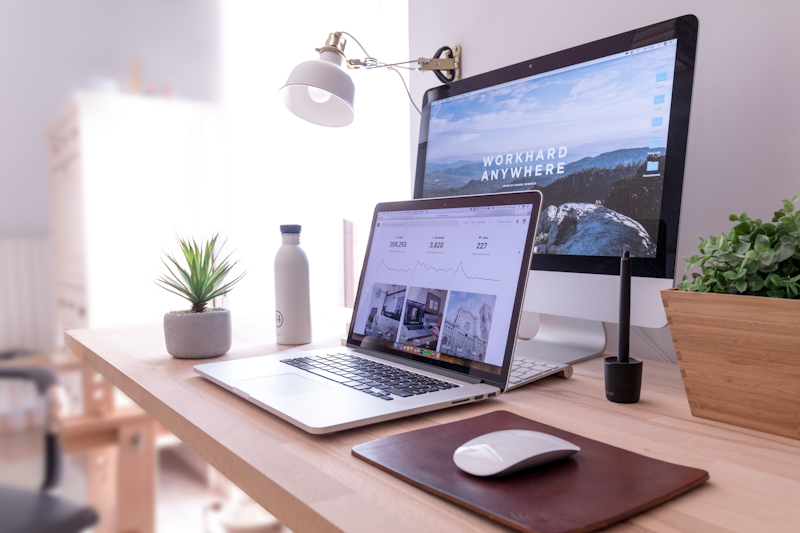
Traditional desktop photo editing software often comes with barriers: high costs, steep learning curves, and resource-heavy installations. Free online image editors eliminate these obstacles entirely.
Key Advantages of Web-Based Editors
No Installation Required
- Access your editing tools instantly through any web browser
- No downloads consuming valuable storage space
- No compatibility issues with operating systems
Zero Cost Barrier
- Professional features available completely free
- No subscription fees or hidden charges
- Premium features often available in free tiers
Cross-Platform Accessibility
- Work from any device—desktop, laptop, tablet, or smartphone
- Edit on your work computer, continue on your home device
- Consistent experience across Windows, Mac, Linux, and mobile
Always Updated
- Cloud-based tools receive automatic updates
- New features added regularly without user intervention
- No need to purchase new versions
Essential Features to Look For
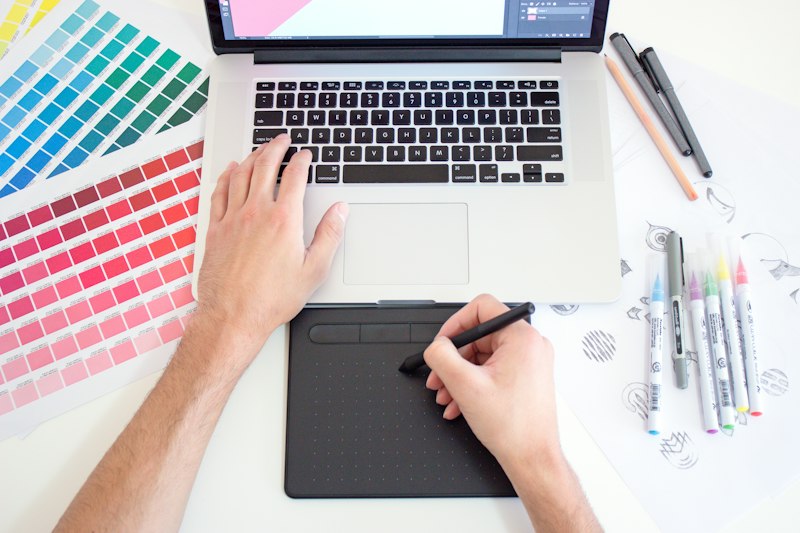
When selecting a free online image editor, consider these essential features that ensure a comprehensive editing experience:
Basic Editing Tools
Every capable online editor should include:
- Crop and Resize: Adjust dimensions for different platforms
- Rotate and Flip: Correct orientation easily
- Brightness and Contrast: Basic tonal adjustments
- Saturation and Hue: Color corrections
- Sharpen and Blur: Enhance or soften details
Advanced Capabilities
For more sophisticated editing, look for:
- Layer Support: Stack elements and edits independently
- Selection Tools: Isolate specific areas for targeted editing
- Filters and Effects: One-click creative enhancements
- Background Removal: AI-powered or manual background elimination
- Text Tools: Add typography with styling options
Export Options
Flexible export capabilities are crucial:
- Multiple format support (JPG, PNG, GIF, WebP)
- Quality settings for optimization
- Transparent background support
- Direct sharing to social platforms
Top Free Online Image Editors Compared

| Editor | Best For | Key Strengths | Ease of Use |
|---|---|---|---|
| Photopea | Professional editing | Full PSD support, advanced tools | Moderate |
| Pixlr X | Quick edits | Intuitive interface, AI features | Very Easy |
| Canva | Design & social media | Templates, drag-and-drop | Very Easy |
| Fotor | Photo enhancement | HDR, batch processing | Easy |
| BeFunky | Creative effects | Artistic filters, collage maker | Easy |
| iPiccy | Beginners | Simple interface, tutorials | Very Easy |
Best Options for Beginners
Photopea: Professional Power Made Accessible
Photopea stands out as the most capable free online image editor, offering features comparable to professional desktop software.
Why beginners love it:
- Familiar Photoshop-like interface
- Extensive tutorial availability
- Full layer support for learning advanced techniques
- Opens virtually any image format
- No registration required to start editing
Learning resources: Thousands of Photoshop tutorials apply directly to Photopea, making it an excellent learning platform for aspiring editors.
Pixlr X: Speed and Simplicity
Pixlr X prioritizes ease of use without sacrificing capability:
Beginner-friendly features:
- One-click AI enhancements
- Extensive preset filters
- Intuitive drag-and-drop interface
- Built-in templates for common tasks
- Automatic background removal
For those intimidated by professional interfaces, Pixlr X offers the perfect entry point while still delivering quality results.
Canva: Design-Focused Editing
While not a traditional photo editor, Canva excels at combining image editing with design:
Ideal for:
- Social media graphics
- Marketing materials
- Presentations
- Branded content
Canva’s template-driven approach helps beginners achieve professional results quickly.
How to Get Started with Online Image Editing

Starting with free online image editors is straightforward:
Step 1: Choose Your Editor
Select based on your needs:
- Photopea: For Photoshop-like professional editing
- Pixlr X: For quick, easy enhancements
- Canva: For design projects combining text and images
Step 2: Open Your Image
Most editors offer multiple ways to open images:
- Upload from your device
- Import from URL
- Access cloud storage (Google Drive, Dropbox)
- Create new from scratch
Step 3: Make Your Edits
Start with basic adjustments:
- Crop to improve composition
- Adjust brightness and contrast
- Apply filters for creative effects
- Add text or graphics if needed
Step 4: Save and Export
Choose appropriate settings:
- JPG: For photographs and web images
- PNG: For graphics with transparency
- High quality: For printing or archival
- Optimized: For web and social media
Tips for Effective Online Image Editing
Optimize Your Workflow
Work with copies: Always keep your original image unchanged. Save edited versions separately.
Use layers wisely: Even for simple edits, layers allow you to adjust individual elements without affecting others.
Learn keyboard shortcuts: Most online editors support common shortcuts (Ctrl+C to copy, Ctrl+V to paste, etc.) for faster editing.
Quality Considerations
Maintain resolution: Avoid repeatedly saving lossy formats like JPG. Work in PNG or the editor’s native format until final export.
Mind file sizes: Optimize for your intended use. Web images should be smaller than print files.
Color profiles: For professional work, be aware of color space differences between devices.
Frequently Asked Questions
Do I need to create an account to use free online image editors?
Most free online editors allow basic editing without registration. Some offer enhanced features or cloud storage for registered users, but core functionality typically remains accessible to all.
Can I edit images offline?
Online editors require an internet connection. For offline editing, consider downloading tools like GIMP or Photopea’s desktop version. However, the convenience of accessing your tools from any device often outweighs this limitation.
What’s the maximum file size I can edit?
File size limits vary by platform. Most free editors handle images up to 20-50MB, sufficient for most photographs. For extremely large files, consider resizing before uploading or using desktop alternatives.
Will my images be stored on the platform’s servers?
Privacy-conscious editors like Photopea process images locally in your browser—your photos never leave your device. Other platforms may store images temporarily or permanently. Always review privacy policies.
Can I use free online editors for commercial projects?
Generally yes—most free online editors permit commercial use. However, some include restrictions or require attribution. Check the specific terms of service for your chosen platform.
How do online editors compare to Photoshop?
Professional online editors like Photopea offer 90%+ of Photoshop’s features. Most users will find no limitations. Advanced workflows involving specialized plugins or very large file handling may still benefit from desktop software.
What if I need to edit many images at once?
Some online editors offer batch processing features. For extensive batch workflows, desktop tools often provide more robust options, but online editors handle moderate batch tasks effectively.
Conclusion
Free online image editors have democratized photo editing, putting powerful tools in everyone’s hands. Whether you’re touching up family photos, creating social media content, or developing professional marketing materials, these platforms deliver the features you need without cost or complexity.
For beginners, starting with Pixlr X or Canva offers immediate productivity with minimal learning curve. As your skills develop, transitioning to Photopea provides access to professional-grade tools that grow with your capabilities.
The key is selecting the right tool for your specific needs and diving in. With no installation required, no cost to access, and intuitive interfaces, there’s never been a better time to explore image editing.
Start editing today and discover how easy it is to transform your images into stunning visual content.
→ Try Jiuyouyi Online PS Now — Free Professional Photo Editing Tool