Which Free PS Software is Best? 2024 Top Online Photo Editing Tools
Review of the best free PS software and online photo editing tools in 2024, including Photopea and more. Feature comparison to help you choose the right tool.
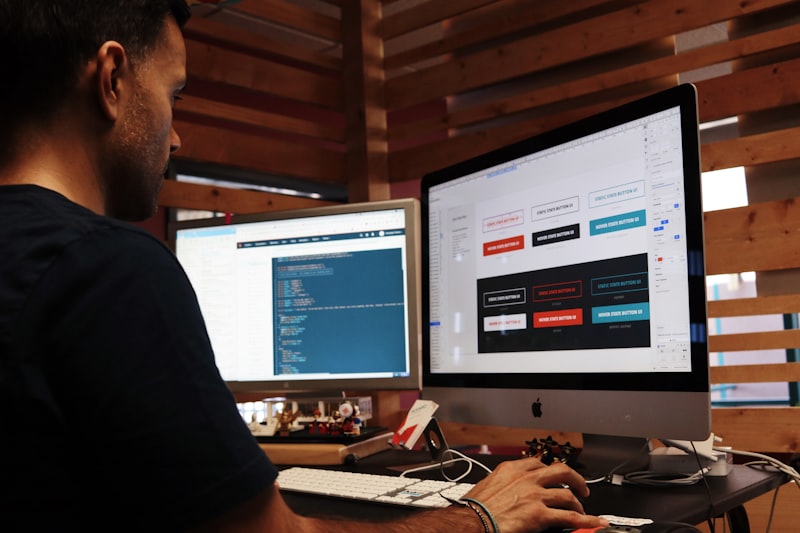
Finding the right free photo editing software can be overwhelming with so many options available today. Whether you’re a professional photographer, graphic designer, or hobbyist looking to enhance your images, the right tool can make all the difference. In this comprehensive guide, we’ll review the best free PS software options in 2024, helping you choose the perfect solution for your needs.
What Makes Great Free PS Software?
Before diving into specific tools, let’s establish the criteria that define excellent free photo editing software:
Essential Features
The best free PS alternatives should offer:
- Layer support for non-destructive editing
- Selection tools for precise editing
- Filter and effects library for creative enhancements
- Text tools for typography and design
- Brush and drawing tools for artistic work
- Export options in multiple formats (JPG, PNG, PSD, etc.)
User Experience Considerations
Beyond features, consider these factors:
- Learning curve: How quickly can you become productive?
- Interface design: Is the workspace intuitive and customizable?
- Performance: Does it run smoothly on your hardware?
- File compatibility: Does it support formats you work with?
Top Free PS Software Options in 2024

Let’s examine the leading contenders in the free photo editing space:
Photopea - The Online Powerhouse
Photopea has emerged as one of the most powerful free alternatives to Photoshop. This browser-based tool offers an impressive array of professional features:
Strengths:
- Full PSD file support with layers preserved
- Interface nearly identical to Photoshop
- No installation required
- Advanced tools including curves, levels, and channels
- Supports RAW file editing
Best for: Professionals who need Photoshop compatibility without the subscription cost.
GIMP - The Desktop Classic
GIMP (GNU Image Manipulation Program) has been the go-to free alternative to Photoshop for decades:
Strengths:
- Completely free and open-source
- Extensive plugin ecosystem
- Highly customizable interface
- Advanced scripting capabilities
- Cross-platform (Windows, Mac, Linux)
Best for: Users who prefer desktop software and value open-source solutions.
Pixlr - User-Friendly Online Editor
Pixlr offers two versions: X (beginner-friendly) and E (advanced):
Strengths:
- Intuitive drag-and-drop interface
- AI-powered features
- Extensive template library
- Quick social media sharing
Best for: Social media creators and beginners seeking quick edits.
Comprehensive Feature Comparison

| Feature | Photopea | GIMP | Pixlr | Krita | Canva |
|---|---|---|---|---|---|
| Layer Support | Full | Full | Full | Full | Basic |
| PSD Support | Full | Partial | Import | Limited | No |
| RAW Editing | Yes | Yes | No | Yes | No |
| Selection Tools | Advanced | Advanced | Basic | Basic | Limited |
| Filter Library | Extensive | Extensive | Good | Good | Templates |
| Text Tools | Advanced | Advanced | Good | Basic | Excellent |
| Brush Engine | Good | Advanced | Basic | Excellent | Limited |
| Online/Offline | Online | Offline | Online | Offline | Online |
| Mobile Support | Yes | No | Yes | No | Yes |
| Learning Curve | Moderate | Steep | Easy | Moderate | Very Easy |
| Price | Free | Free | Freemium | Free | Freemium |
Deep Dive: Photopea as the Top Choice
Among all free PS alternatives, Photopea stands out for several compelling reasons:
Photoshop Compatibility
Photopea’s most significant advantage is its ability to open, edit, and save PSD files while preserving layers, effects, and adjustments. This compatibility means you can:
- Work on projects started in Photoshop
- Share files with Photoshop users seamlessly
- Access the massive library of Photoshop tutorials and resources
Professional-Grade Tools
Despite being free and browser-based, Photopea includes professional features that rival desktop software:
- Curves and Levels: Precise tonal adjustments
- Channels: Advanced color manipulation
- Smart Objects: Non-destructive transformations
- Layer Styles: Drop shadows, glows, and effects
- Vector Tools: Shape creation and editing
Workflow Efficiency
Photopea’s familiar Photoshop-like interface means experienced users can transition seamlessly. Keyboard shortcuts match Photoshop conventions, reducing the learning curve significantly.
When to Choose Each Tool
Choose Photopea If:
- You need full PSD compatibility
- You want professional tools without installation
- You work across multiple devices
- You’re transitioning from Photoshop
Choose GIMP If:
- You prefer offline desktop software
- You need extensive customization
- You work with plugins and scripts
- You support open-source software
Choose Pixlr If:
- You’re a beginner or casual user
- You need quick, easy edits
- You want AI-powered features
- You create social media content
Choose Canva If:
- You focus on design over photo editing
- You need templates and branding
- You collaborate with teams
- You create marketing materials
Frequently Asked Questions
Is free photo editing software as good as paid alternatives?
For most users, free alternatives like Photopea and GIMP offer comparable features to paid software. The main differences are in specialized tools, support, and specific workflows. Many professionals successfully use free tools for client work.
Can I use free PS software for commercial work?
Yes, most free photo editing software allows commercial use. Photopea and GIMP both permit commercial projects. Always check the specific license terms of your chosen tool.
Will free PS alternatives slow down my computer?
Photopea runs in your browser and uses cloud processing, so it won’t tax your computer’s resources. Desktop tools like GIMP require local processing power but are generally well-optimized.
How do free tools make money?
Free tools typically use freemium models, offering premium features for a fee. Some display ads, while others are open-source projects maintained by communities. Photopea, for example, shows non-intrusive ads that support development.
Can I learn Photoshop skills with free alternatives?
Absolutely! Tools like Photopea are so similar to Photoshop that skills transfer directly. Tutorials, techniques, and keyboard shortcuts often work identically, making free tools excellent learning environments.
What about mobile editing options?
Photopea works excellently on mobile browsers, offering full functionality. Pixlr and Canva also offer dedicated mobile apps for on-the-go editing.
Conclusion
The landscape of free PS software in 2024 offers unprecedented choice and capability. Whether you prioritize Photoshop compatibility, ease of use, or specialized features, there’s a free tool that meets your needs.
For most users, Photopea represents the best balance of professional features, Photoshop compatibility, and accessibility. Its browser-based nature means you can work from any device without installation, while its comprehensive toolset handles everything from basic edits to advanced compositing.
The key is matching the tool to your specific workflow. Consider what you edit most often, which file formats you work with, and whether you prefer online or offline software. With the options available today, you don’t need to compromise on quality to access professional photo editing for free.
Start with Photopea if you want the closest Photoshop experience, or explore GIMP for a powerful desktop alternative. Either way, professional photo editing is now accessible to everyone.
→ Try Jiuyouyi Online PS Now — Free Professional Photo Editing Tool