Best Free Photo Editing Tools for Beginners - Zero Experience Required
A comprehensive guide to free photo editing software for beginners. Discover online photo editors, mobile apps, and desktop tools with detailed tips to help you start editing photos with zero experience.
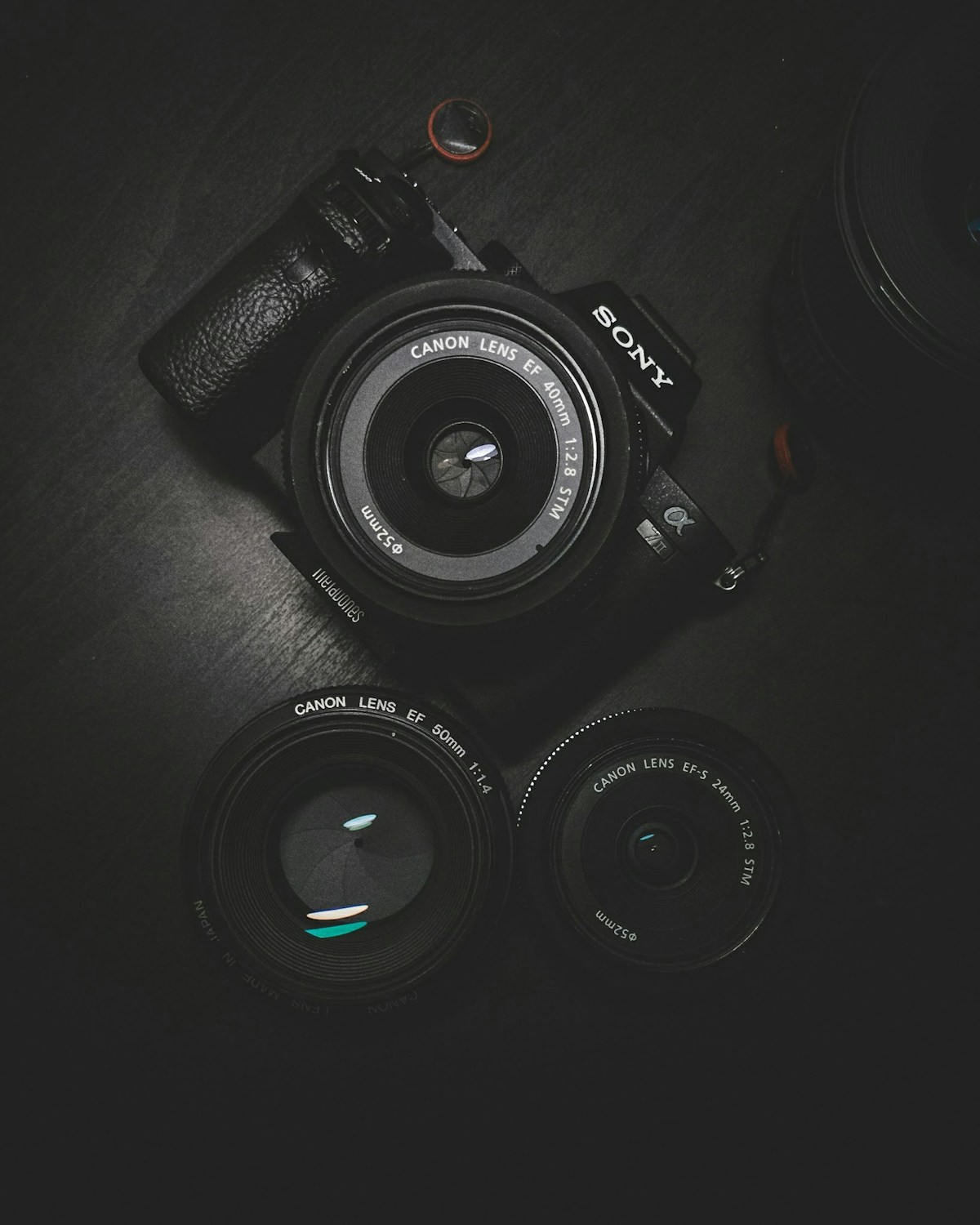
Want to Edit Photos but Don’t Know Where to Start? This Beginner’s Guide Has You Covered!
As a photo editing beginner, do you face these challenges:
- Admiring others’ professionally edited photos but not knowing how to create them yourself
- Downloading photo editing software only to be intimidated by the complex interface
- Wanting to learn photo editing but unsure where to begin
Don’t worry! This guide to essential free photo editing software for beginners is designed just for you. I’ll introduce tools starting from the basics and teach you how to start editing photos even with zero experience!
Recommended Free Photo Editing Software for Beginners
1. 99ue Online Photo Editor - Top Choice for Beginners
If you don’t want to install any software and just want to quickly edit a photo, 99ue Online Photo Editor is the most recommended choice!

Why Recommend for Beginners?
- Zero Installation - Open your browser and start editing, no computer space needed
- Free to Use - Completely free, no hidden charges
- User-Friendly Interface - Similar to Photoshop, learn basic features quickly
- Multiple Format Support - Supports JPG, PNG, PSD, and other common formats
Best For: Company computers that can’t install software, temporary photo editing needs, wanting to experience Photoshop features first
2. Meitu - Popular Beginner-Friendly Photo Editor
Meitu is the most popular photo editing app, especially suitable for portrait photo processing. Its operation is very simple - one click can complete beauty, face slimming, and other effects.

Core Features:
- One-Click Beauty: Automatically recognizes faces, intelligent beautification
- Portrait Beauty: Face slimming, eye enlargement, skin whitening, blemish removal
- Filter Effects: Rich filters and stickers
- Collage Function: Multiple collage templates available
3. Snapseed - Professional Color Grading Tool by Google
If you want to do professional color grading on your phone, Snapseed is a great choice. Produced by Google, completely free with no ads.
Recommended Features for Beginners:
- Auto Adjust: One-click photo optimization
- Local Adjustments: Modify only part of the photo
- Curves Tool: Introduction to advanced color grading
4. GIMP - Free Photoshop Alternative
GIMP is an open-source, free professional-level photo editing software with powerful features, suitable for users who want to advance after gaining some foundation.

Advantages:
- Completely free, open-source software
- Features comparable to Photoshop
- Supports professional operations like layers and masks
Practical Photo Editing Tips for Beginners
Regardless of which software you use, mastering these tips will instantly improve your photos:
Tip 1: Cropping Changes Composition

Cropping is the most basic and effective photo editing operation. Good cropping can:
- Remove unwanted elements from the frame
- Adjust photo ratio (like cropping to 16:9 for social media)
- Recompose the shot to highlight the subject
Beginner Tip: Use the rule of thirds - place your subject at one-third of the frame
Tip 2: Adjust Brightness and Contrast
This is the key step to improve photo quality:
- First adjust overall brightness to make the photo well-balanced
- Then adjust contrast to add depth to the image
- Slightly increase saturation for more vivid colors
Pro Tip: Don’t over-adjust - keeping it natural is most important
Tip 3: Use Filters Wisely
Filters are a beginner’s best friend - one click changes the photo style:
| Filter Type | Best For |
|---|---|
| Japanese Style | Portraits, landscapes |
| Vintage | Nostalgic style |
| Black & White | Artistic, documentary |
| HDR | Landscapes, architecture |

Photo Editing Recommendations by Scenario
| What You Want to Do | Recommended Tool | Difficulty |
|---|---|---|
| Simple selfie beauty | Meitu | Beginner |
| Remove watermark/people | 99ue Online Photo Editor | Beginner |
| Landscape color grading | Snapseed | Beginner |
| Create posters/covers | Canva | Beginner |
| Professional portrait retouching | GIMP | Intermediate |
Frequently Asked Questions for Beginners
Q1: I know nothing about photo editing - where should I start?
We recommend starting with the simplest tools like Meitu. After familiarizing yourself with basic cropping and filter functions, try more feature-rich tools like 99ue Online Photo Editor.
Q2: Are online photo editing tools safe?
Reputable online tools are safe. Well-known tools like 99ue Online Photo Editor don’t save your photos - you can download them after editing without worrying about privacy leaks.
Q3: Is mobile or desktop photo editing better for beginners?
Mobile apps are simpler to operate and suitable for beginners; desktop software is more comprehensive and suitable after gaining some foundation. We recommend starting with mobile, then gradually transitioning.
Q4: What’s the difference between free and paid software?
For beginners, free software is completely sufficient. Once you’ve mastered certain skills and have higher requirements, then consider paid software.
Q5: How much should I practice daily?
We recommend spending 15-30 minutes practicing daily. Choose a photo and try different adjustment effects - you’ll gradually develop a feel for it.
Q6: Are there recommended photo editing tutorials?
There are many free tutorial videos online. We recommend first learning the basic software operations, then learning specific techniques - a gradual approach works best.
Start Your Photo Editing Journey
After reading this beginner’s guide, does photo editing seem less intimidating? The key is to start practicing! Open 99ue Online Photo Editor now and choose a photo to start practicing!
Remember: Watch more, practice more, think more - soon you’ll become a photo editing expert!
Start Free Photo Editing Now{.btn .btn-primary}